
 Last updated 2 months ago
Vovsoft SEO Checker is a website analyzer and SEO audit tool for Microsoft Windows. In this page, we explain how to use the built-in browser engine.
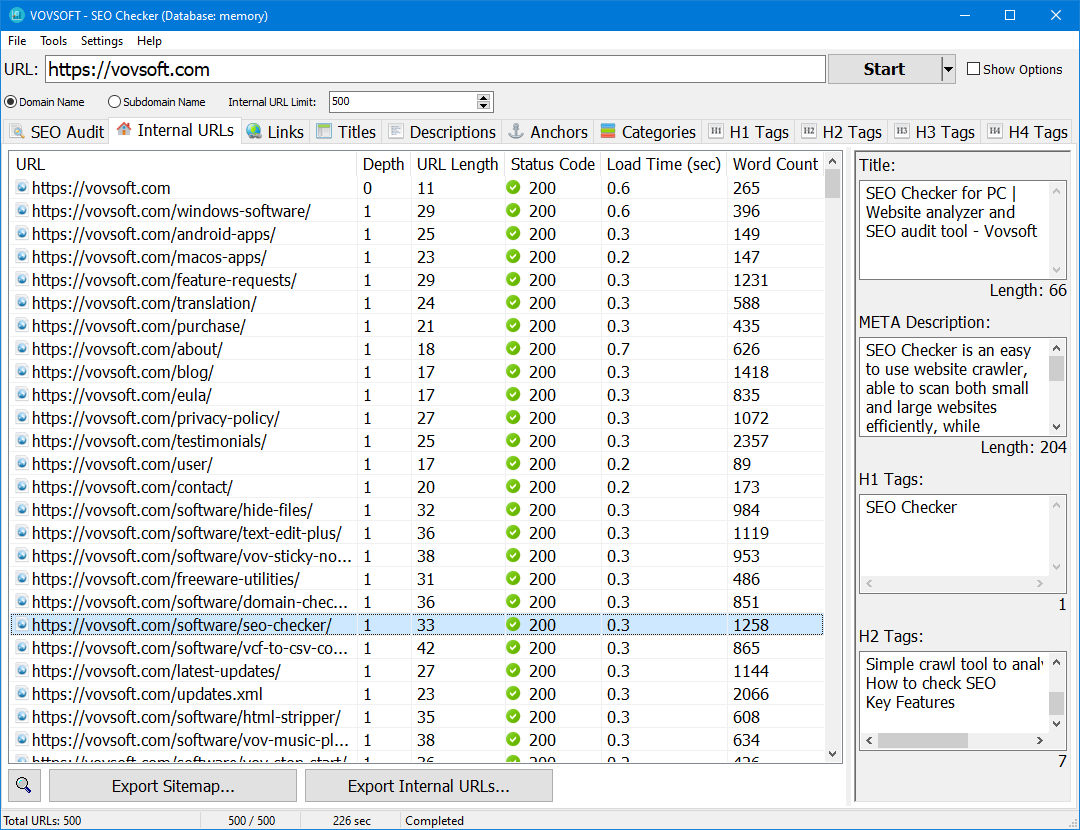
Some websites only return a proper HTML response when accessed through a real web browser. These sites may rely on JavaScript, browser APIs, or session handling, and often return incomplete or empty HTML to basic scrapers. The "Use Browser Engine" option solves this by loading pages as a real browser would.
Modern websites often rely on JavaScript, dynamic loading, and user authentication. Traditional SEO tools that fetch raw HTML may fail to analyze these pages correctly. To solve this, Vovsoft SEO Checker includes a Use Browser Engine option powered by Microsoft Edge WebView2.
This feature allows the software to load and analyze pages exactly as they appear in a real web browser.
The Browser Engine uses the Chromium-based Microsoft Edge WebView2 control to render web pages like a modern desktop browser. Unlike basic scraping methods, it fully processes:
This ensures that SEO data is collected from the fully rendered page, not from incomplete or preloaded HTML.
You should enable Use Browser Engine when working with:
For simple static pages, the default mode may be faster. For modern websites, the browser engine provides more accurate results.
To enable and use the browser engine in Vovsoft SEO Checker, follow these steps:
Once logged in, the embedded browser automatically stores cookies and session data. The active authenticated session will be used during scraping.
A key advantage of the browser engine is the ability to log in directly within the tool. This makes it possible to analyze pages that are normally inaccessible to standard SEO tools, such as:
The browser engine maintains the session, allowing SEO Checker to extract data from protected pages reliably.
Using the browser engine allows you to:
This leads to more realistic and dependable analysis.
The Use Browser Engine feature significantly improves compatibility with modern websites. By rendering pages with a real browser engine, Vovsoft SEO Checker overcomes common scraping limitations and enables accurate SEO analysis of dynamic and authenticated pages.
For websites built with modern web technologies, this option can make a noticeable difference in results.






 SEO Checker
