 Last updated 1 month ago
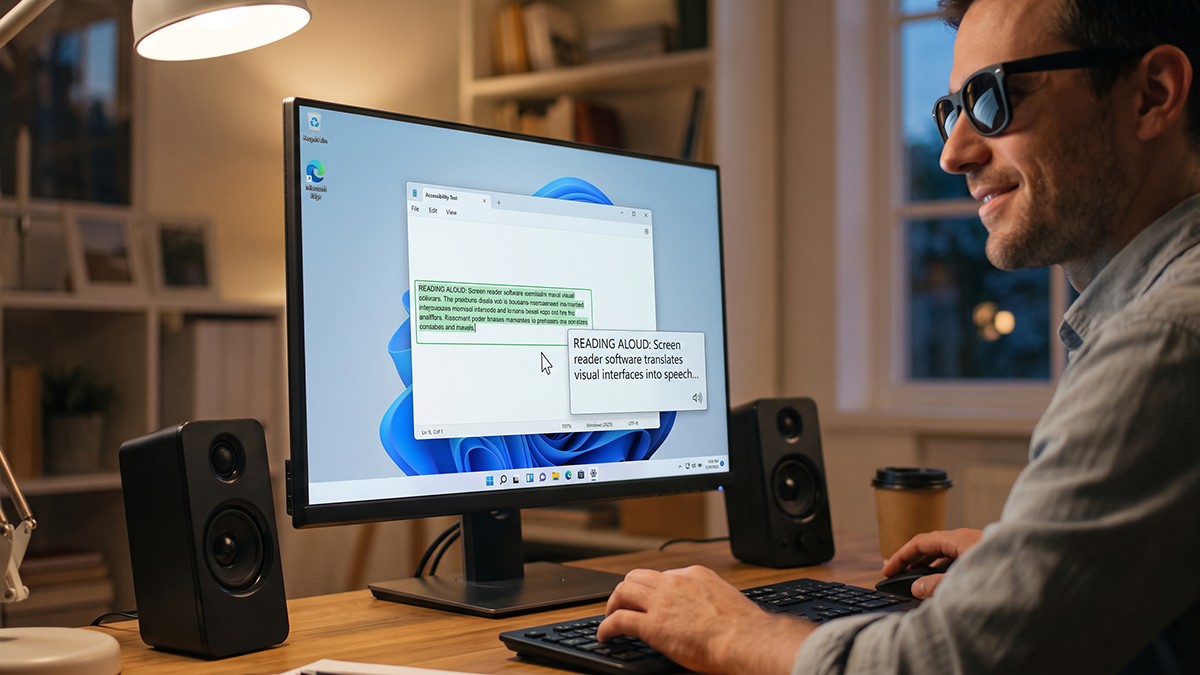
Screen reader software translates a computer's visual interface into synthesized speech or refreshable braille, granting independent digital access to blind and visually impaired users. Instead of optically scanning the monitor, these programs rely on complex underlying code architectures to decode the software environment.
The market offers a mix of heavy-duty commercial software and lightweight free utilities to suit different environments and budgets:
A common misconception is that screen readers “look” at the screen. Instead, they interact directly with the operating system using Accessibility Application Programming Interfaces (APIs).
When building Windows software, developers use frameworks like Microsoft Active Accessibility (MSAA)—which was first introduced back in 1997—the modern UI Automation (UIA) API, or IAccessible2, which was designed to fill gaps in MSAA for rich documents and web browsers. These frameworks allow developers to attach hidden semantic data (names, roles, and values) to visual elements.
As a user navigates via keyboard, the screen reader tracks the focus, queries the active API for that semantic data, and passes it to a Text-To-Speech engine. However, this means accessibility relies 100% on the developer. If you are building software using older UI frameworks—where properties like AccessibleName and AccessibleDescription might be absent natively—a screen reader will simply announce “Graphic” or remain silent.
Developer Tip: You can use free inspection tools like the Accessibility Viewer (aViewer) to expose and verify the exact MSAA, UIA, or IAccessible2 data your application is broadcasting to the operating system.
When native accessibility falls short, NVDA’s open-source architecture allows developers to manually patch software using Python-based plugins. Because these extensions execute entirely locally, they align perfectly with privacy-centric, offline-first environments.
Plugins generally fall into two categories:
vovsoft_app.exe). NVDA automatically loads and unloads the script as the user switches windows.Building an App Module allows you to intercept standard accessibility events (like event_gainFocus) and override what the screen reader says. The ecosystem is built for rapid, iterative testing:
.nvda-addon files, you can place your raw Python scripts directly into the %APPDATA%\nvda\scratchpad\appModules\ directory.💡 NVDA key is usually the Insert key.
By utilizing these tools, independent developers can ensure their standalone desktop applications remain fully accessible, even when building complex, custom user interfaces from scratch.


 Screen Reader
